
NEW Sale -10%

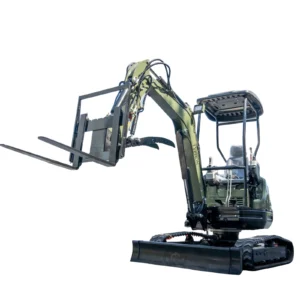
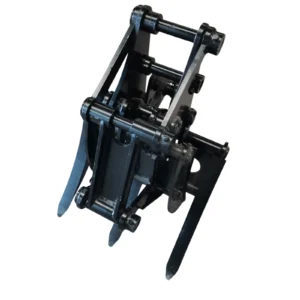
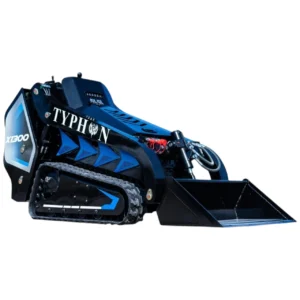
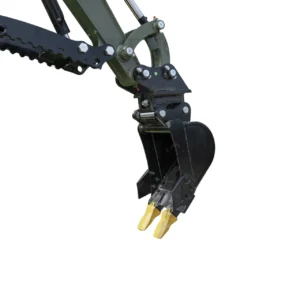
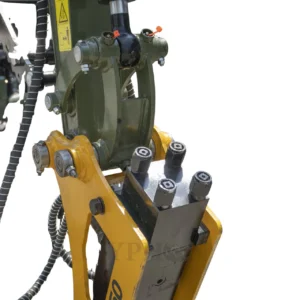
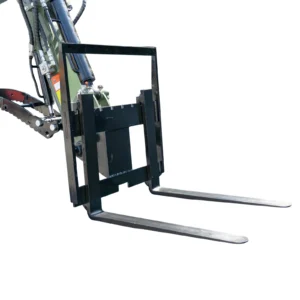
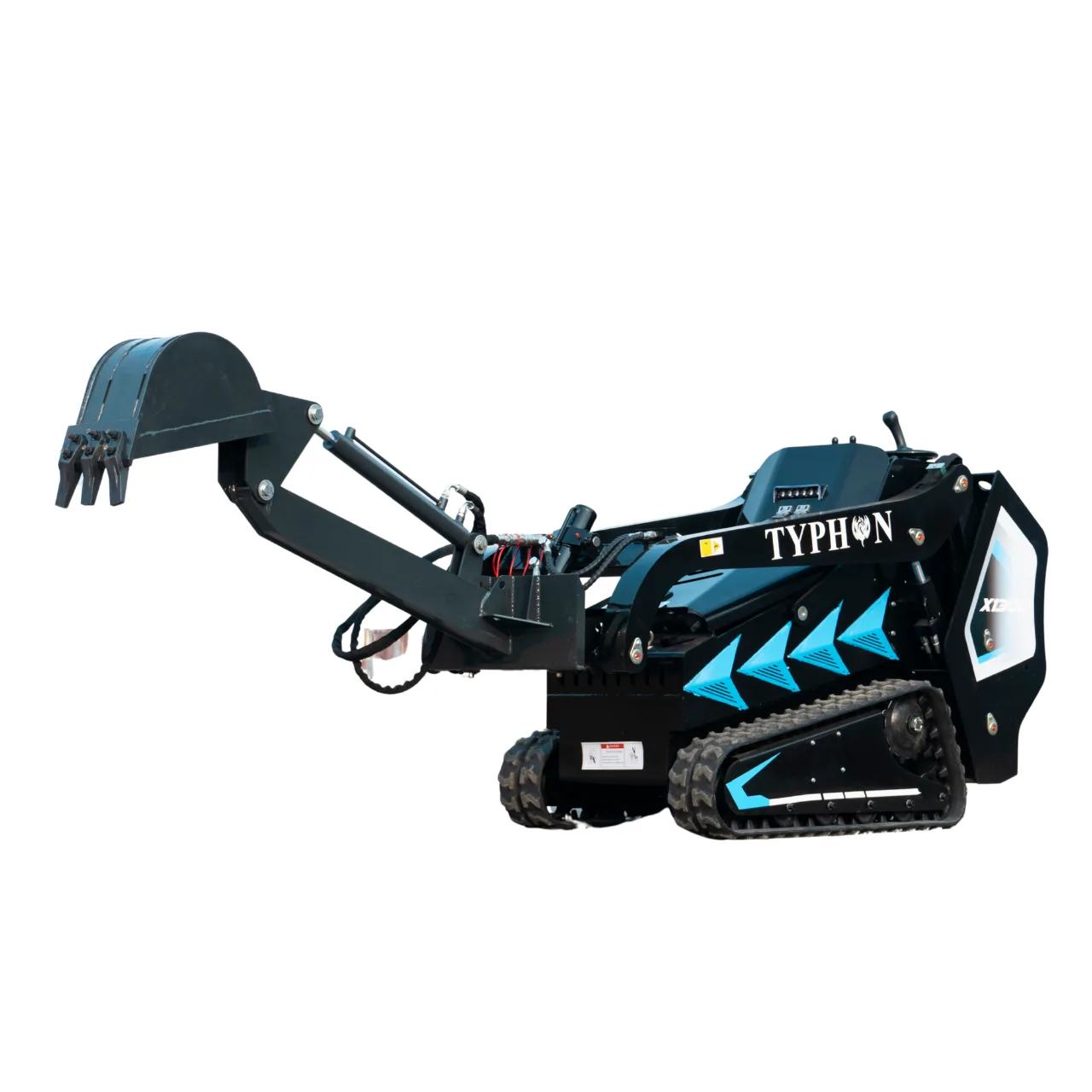
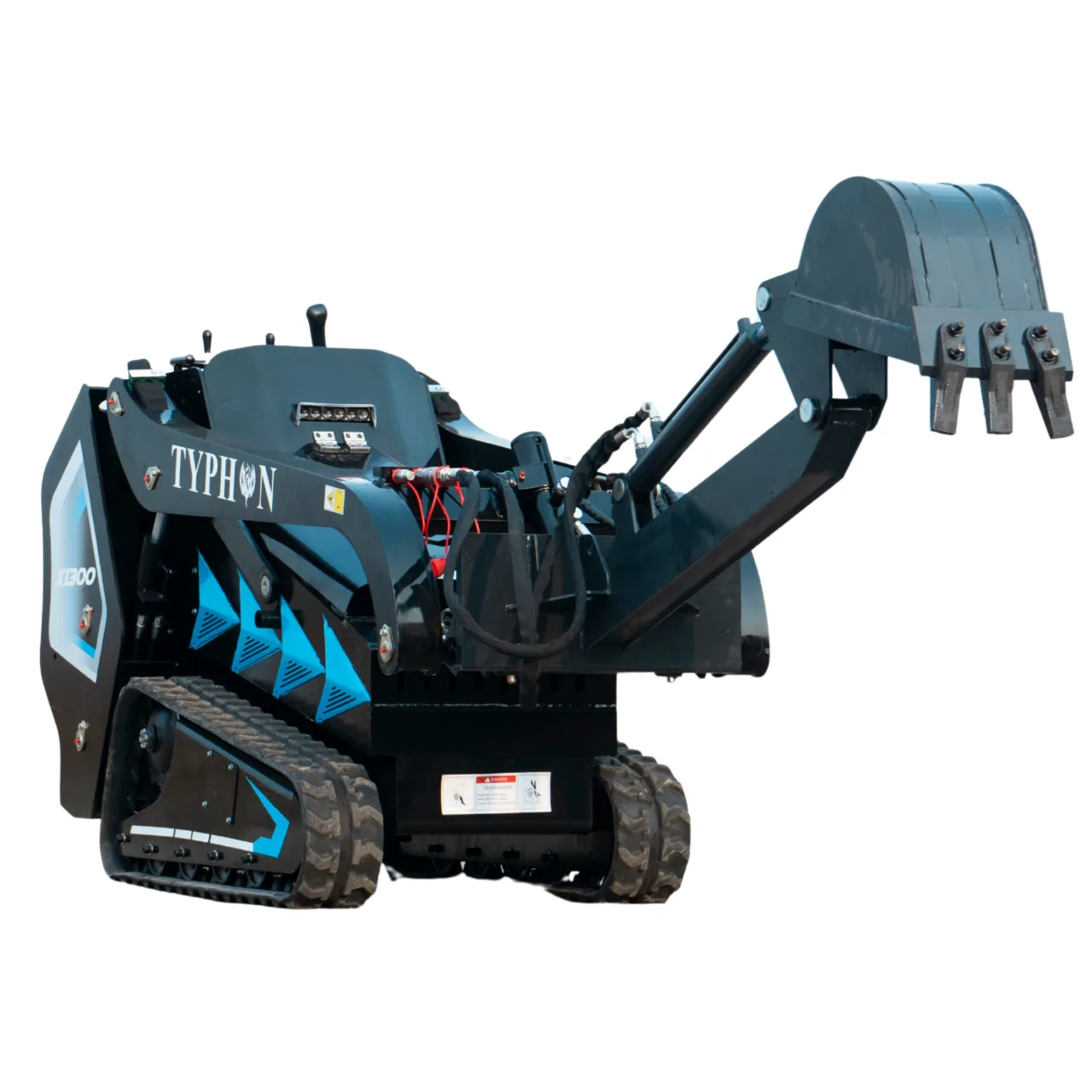
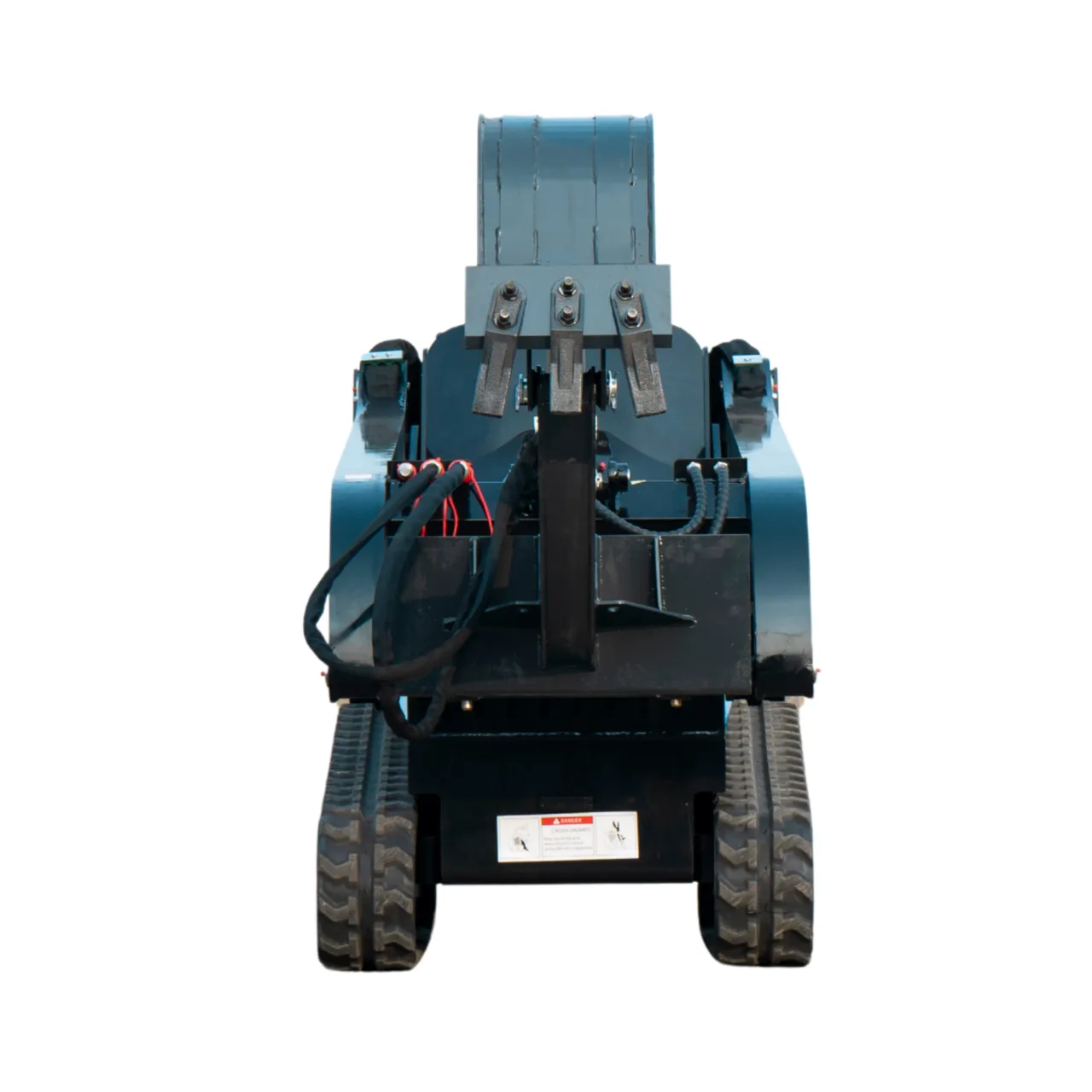
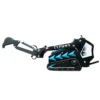
TYPHON Digger Attachment for Mini Skid Steer STOMP X1300 & STOMP 509

Original price was: $2,471.00.Current price is: $2,223.90.

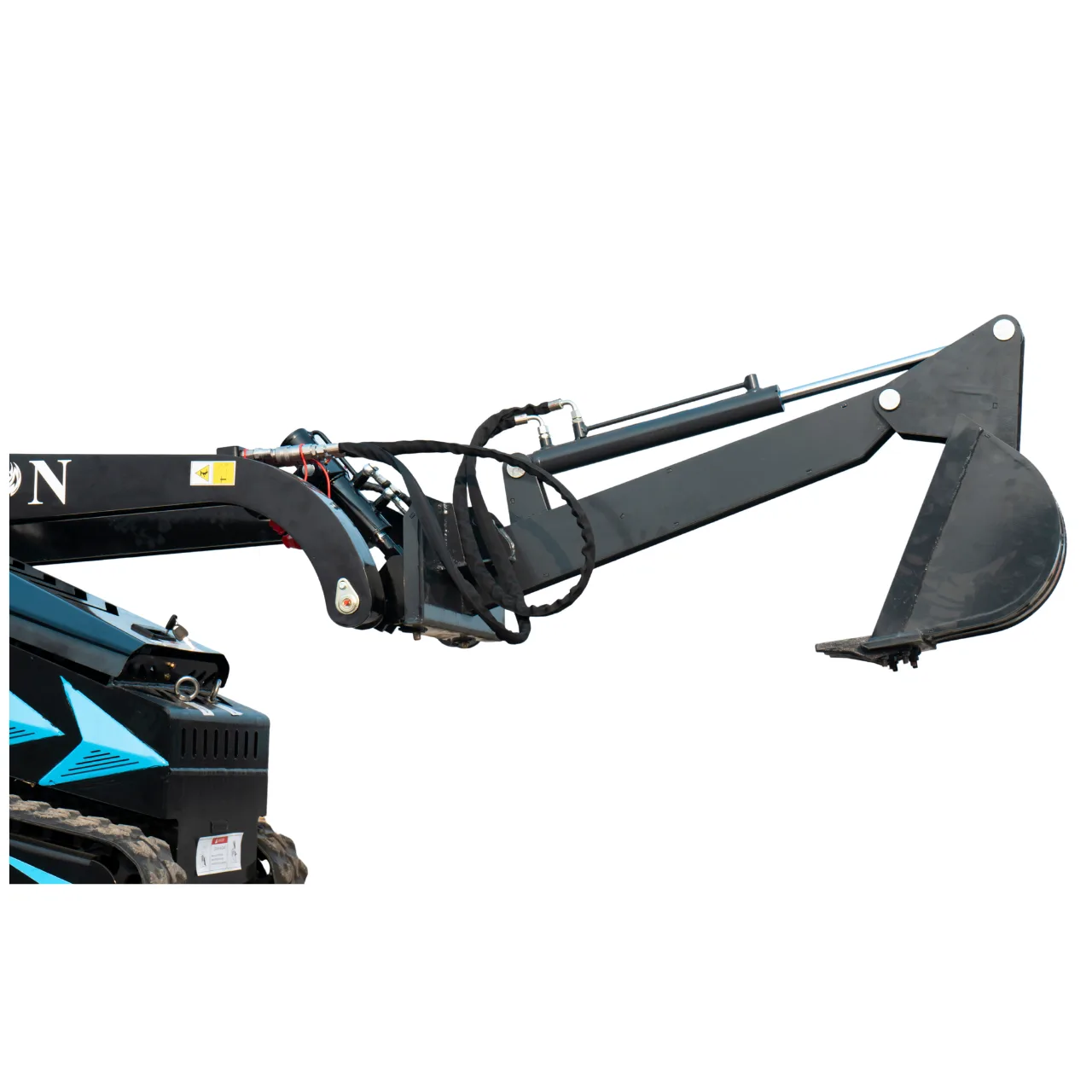
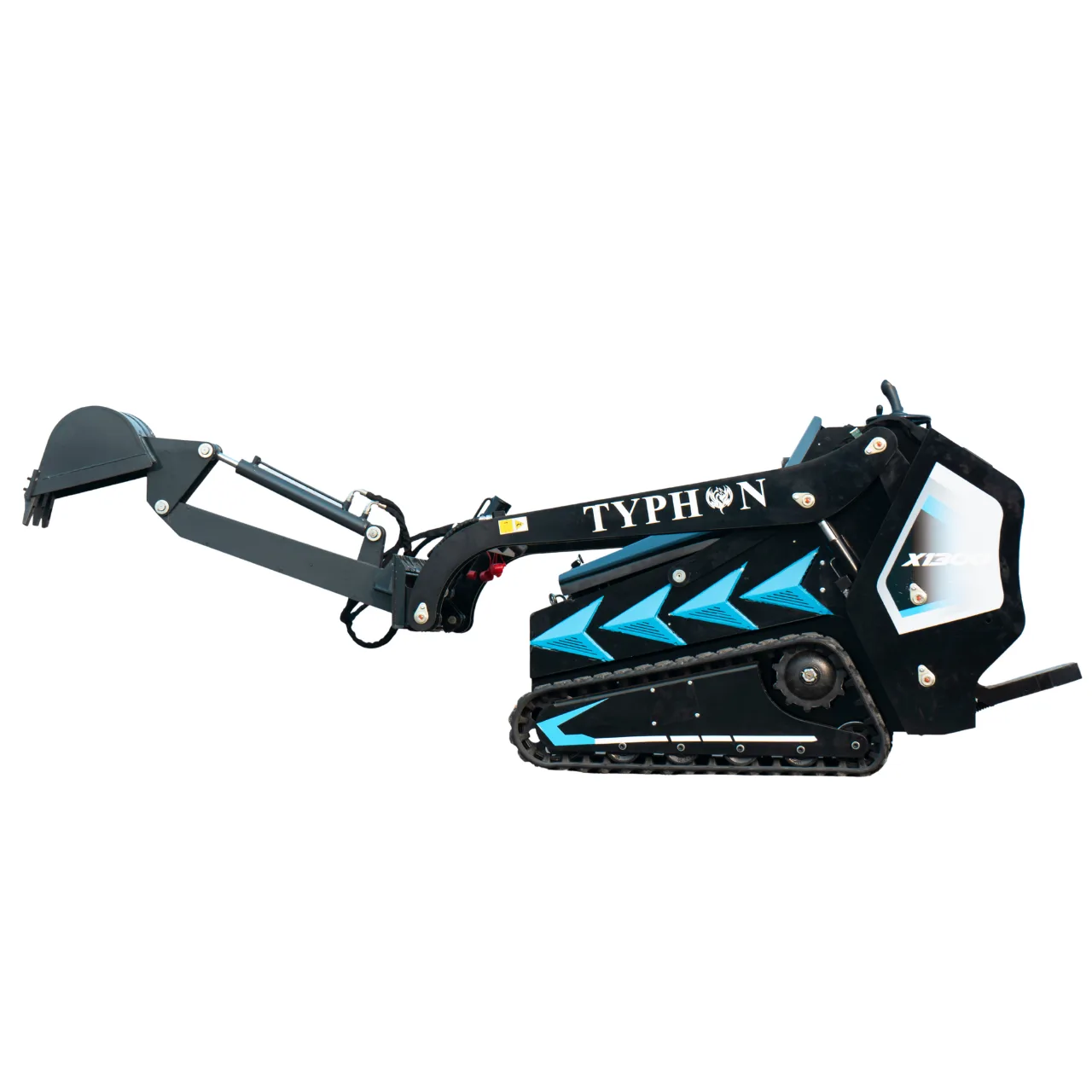
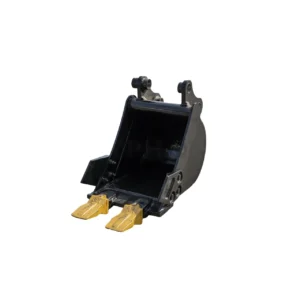
The Single Arm Backhoe Digger Attachment for TYPHON STOMP X1300 and TYPHON STOMP 509 is built to support consistent digging and lifting capability. Designed with a compact, Heavy-duty structure, it helps enable operators to work efficiently in tight or restricted work zones.

Free shipping, arrives by Thu, Jun 2 to Sacramento
Want to Track Your Order? Add an address to see options

Guarantee Safe Checkout

Description

The Single Arm Backhoe Digger Attachment built to support TYPHON STOMP X1300 and TYPHON STOMP 509 is constructed for consistent digging and lifting capability. Designed with a compact, work-ready structure, it makes possible operators to work efficiently in tight or restricted work zones.

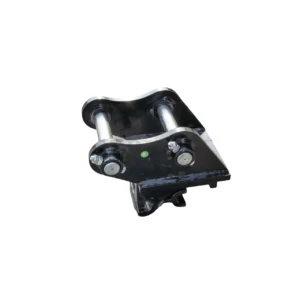
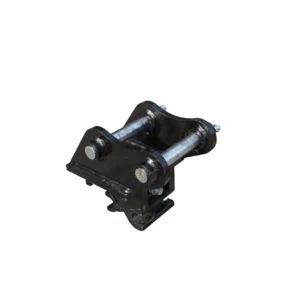
Powered hydraulically, this tool produces durable soil penetration and trusted use. The quick-attach mounting system promotes fast installation and secure connection to compatible mini skid steer loaders.

Key Incorporates:

  • Single arm backhoe digger design
  • Hydraulic-powered digging output
  • Compact and easy to maneuver
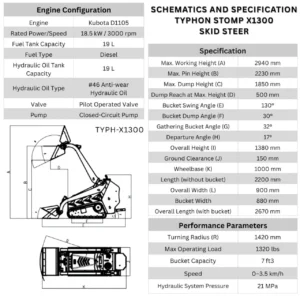
  • Compatible using TYPHON STOMP X1300 and TYPHON STOMP 509 mini skid steers

Specifications:

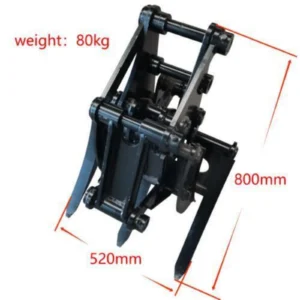
  • Weight: 203 lb
  • Bucket Capacity: 0.71 cu ft
  • Dimensions: 55.1 × 23.6 × 33.5 in

⚠️ Compatibility Responsibility Notice

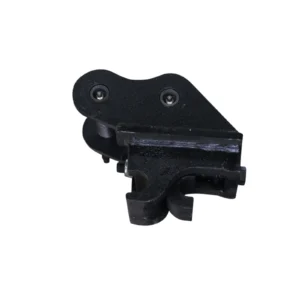
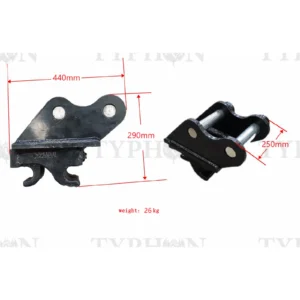
The listed measurements and diagram apply only to This attachment’s quick-mounting plate. It is This buyer’s responsibility to confirm these dimensions match their machine’s mounting system. We cannot guarantee fitment on machines with different mount designs.

Additional information

BrandTYPHON
CompatibilityTYPHON STOMP X1300 and STOMP 509

Customer Review

5 star
0%
4 star
0%
3 star
0%
2 star
0%
1 star
0%

There are no reviews yet.

Review This Product

Be the first to review “TYPHON Digger Attachment for Mini Skid Steer STOMP X1300 & STOMP 509”

Your email address will not be published. Required fields are marked *

Add photos

Picturesmax size:1024 KBmax files:4

<h3 id="1">What is a return and exchange policy?</h3> A return and exchange policy is a set of rules a retailer creates to manage how customers return and exchange unwanted merchandise they’ve purchased. These policies tell customers what items can be returned and for what reasons, as well as the timeframe over which returns are accepted.From<a href="https://www.apple.com/shop/help/returns_refund" target="_blank" rel="nofollow noopener noreferrer"> Apple</a>’s strict 14-day return policy, to<a href="https://www.ikea.com/us/en/customer-service/returns-claims/" target="_blank" rel="nofollow noopener noreferrer"> IKEA</a>'s generous 365-day turnaround, just about every major retailer offers return and refund policies to their customers—and your small business should, too. <h3 id="2">Why have a return policy?</h3> A fair return and exchange policy builds trust between a business and its customers. In fact, offering a clear and consistent way for customers to return a purchased item can increase conversion and repeat rates.Giving customers a full refund on their orders can result in a loss of profitability, and knowing that someone disliked your product can be disheartening for business owners who strongly believe in the benefits of their products and services.For these reasons, it can be tempting to avoid creating a comprehensive return and refund policy and leave the mounting problem unaddressed. As you’ll see, however, this would be a mistake.

This is the first item's accordion body. It is shown by default, until the collapse plugin adds the appropriate classes that we use to style each element. These classes control the overall appearance, as well as the showing and hiding via CSS transitions. You can modify any of this with custom CSS or overriding our default variables. It's also worth noting that just about any HTML can go within the .accordion-body, though the transition does limit overflow.
This is the first item's accordion body. It is shown by default, until the collapse plugin adds the appropriate classes that we use to style each element. These classes control the overall appearance, as well as the showing and hiding via CSS transitions. You can modify any of this with custom CSS or overriding our default variables. It's also worth noting that just about any HTML can go within the .accordion-body, though the transition does limit overflow.
This is the first item's accordion body. It is shown by default, until the collapse plugin adds the appropriate classes that we use to style each element. These classes control the overall appearance, as well as the showing and hiding via CSS transitions. You can modify any of this with custom CSS or overriding our default variables. It's also worth noting that just about any HTML can go within the .accordion-body, though the transition does limit overflow.